GeoFS
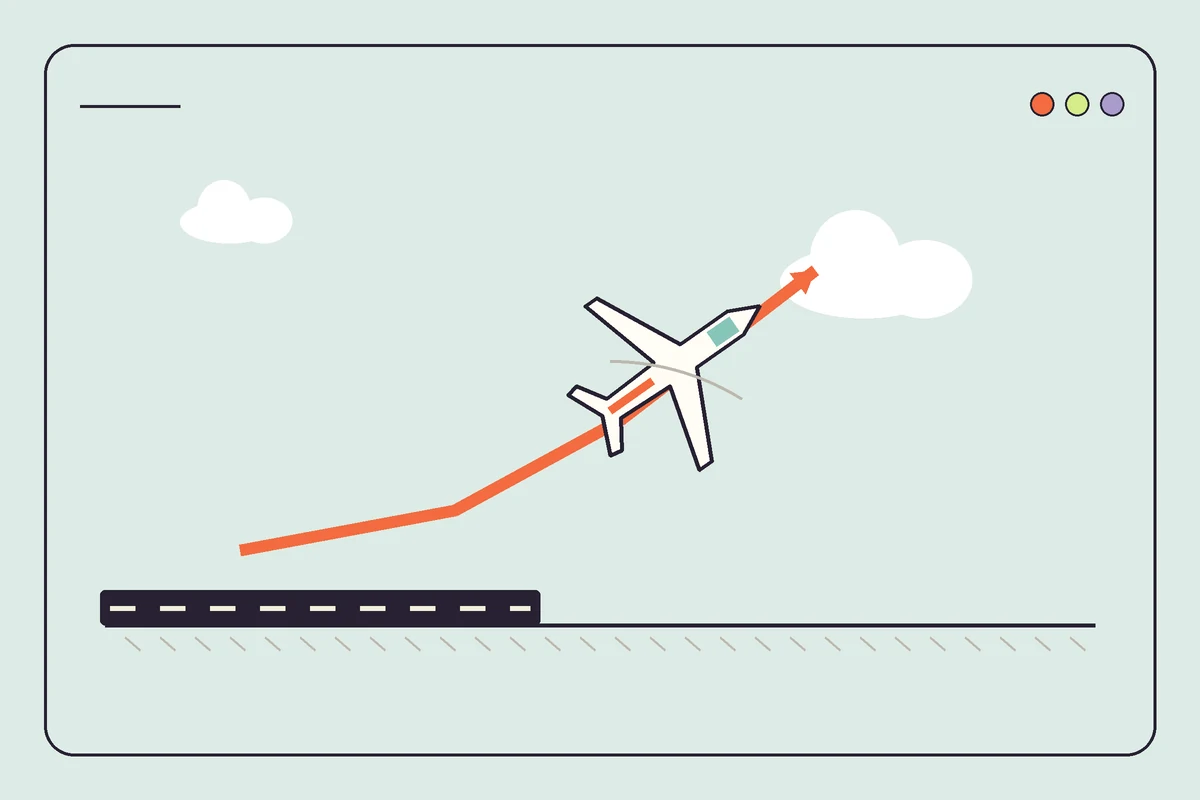
Start with a small aircraft. GeoFS gives you a world built from satellite imagery, but your first useful challenge can be much smaller than crossing a continent, just getting airborne without yanking the nose upwards.
Source · Open the game ↗Opens the game platform in a new tab.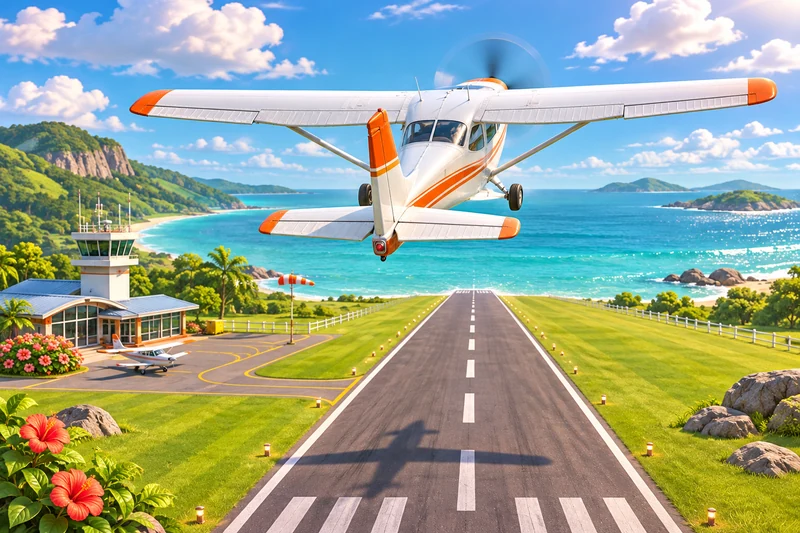
Make the next move count
One clean take-off is a good first goal. Choose an airfield, look at the runway ahead and practise small movements until you can tell whether the aircraft needs another correction or simply a moment to respond.
Give your flight a small destination
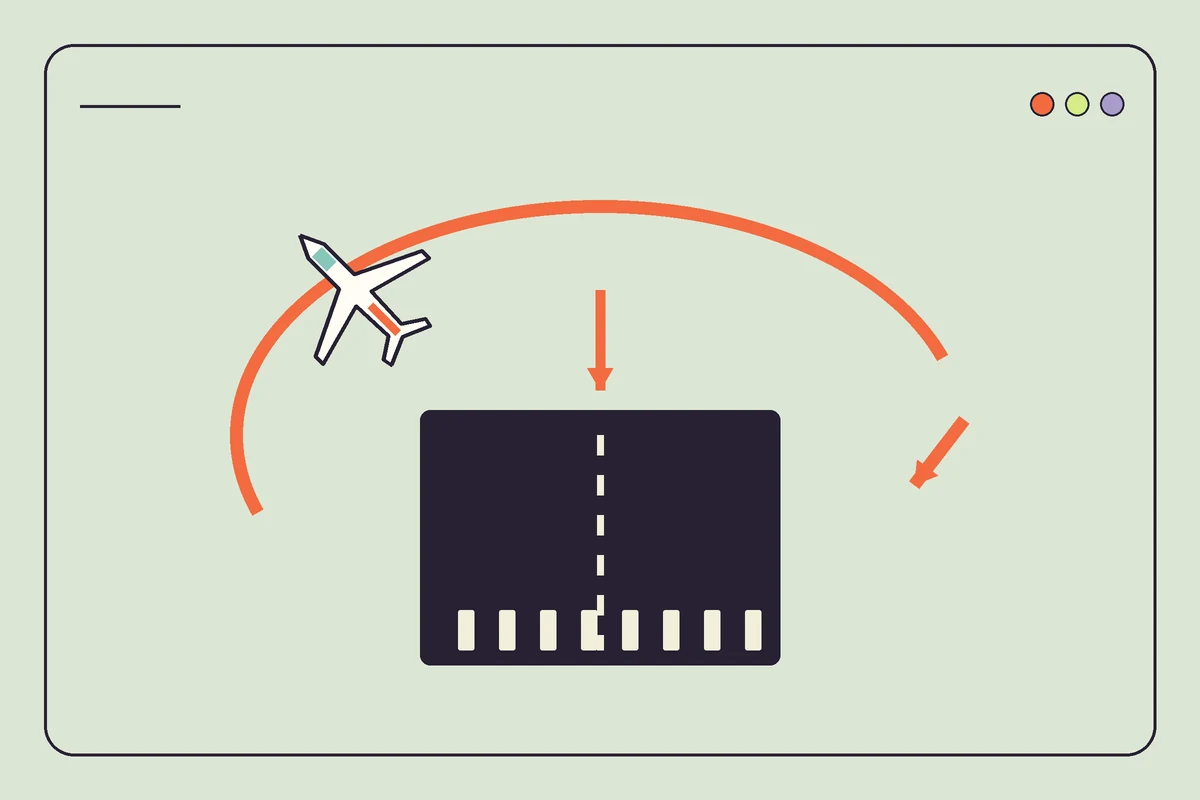
A nearby runway makes a useful target. Once you can leave the ground with the aircraft roughly level, choose somewhere close enough that you can still remember the direction you came from and plan a short return. The map is worth opening before departure. You can then spend the flight watching how a turn changes your view of the airfield, which gives each control movement a visible consequence and keeps the first outing manageable.
Change one thing between attempts
Try the same aircraft twice. If the nose keeps swinging above and below the horizon, make a smaller mouse movement on the next attempt and let the aircraft respond before adding another correction. Changing aircraft and controls together makes that comparison harder. Keep your first setup familiar, then explore the available control options when you can describe exactly what you want to feel different, such as the sensitivity of a movement that currently feels too abrupt. Use the same airfield for both attempts so you can recognise the runway, compare the point where the wheels leave the ground and notice whether the second climb feels easier to follow.
Three things to keep in mind
Original illustrated tips by Misket Atlas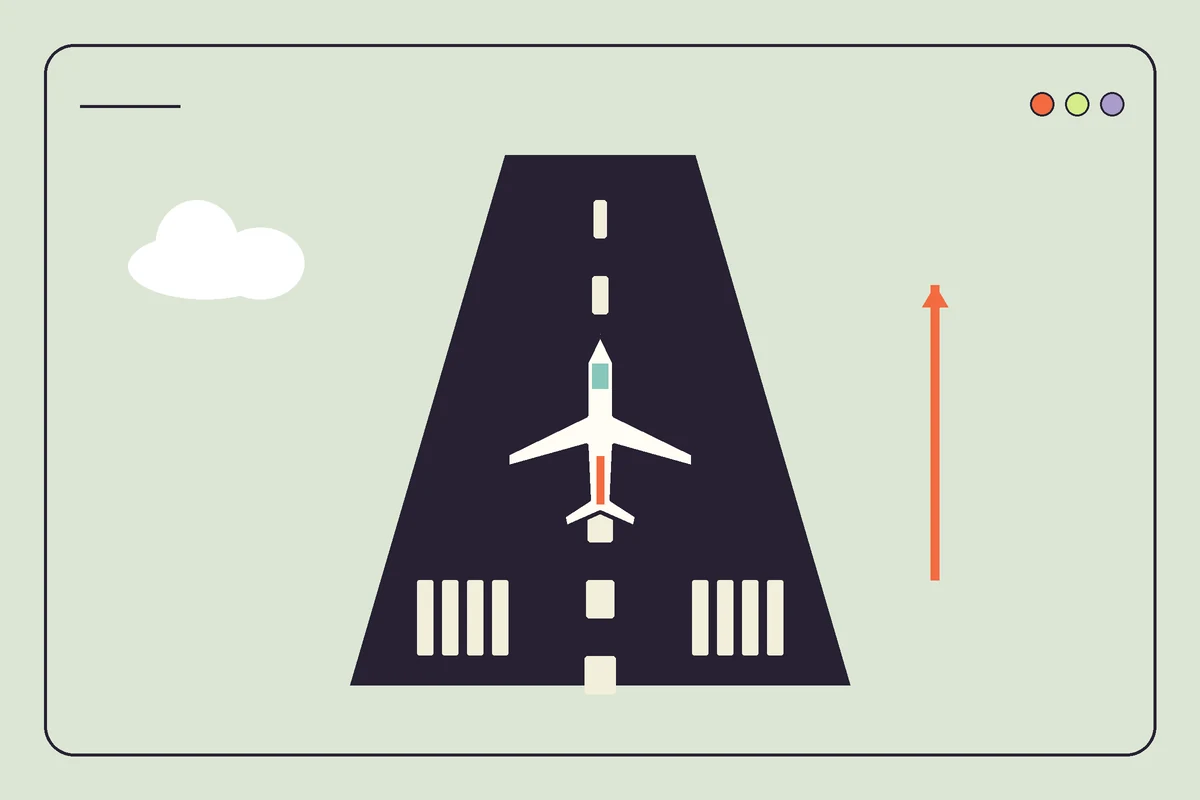
Would we pick it?
Our pick for curious tinkerers. If you like having a destination in mind and figuring out how to get there, a familiar coastline or nearby airport gives a flight more purpose than chasing an arbitrary score.
The catch
Give the browser some breathing room. GeoFS requires WebGL 2, and its graphics, maps and aircraft controls demand more from a device than the small two-dimensional puzzles elsewhere in this collection.
Before you open a tab
Do I need to pay or create an account?
You can start flying anonymously. The basic browser simulator is free, while an optional HD imagery subscription changes the scenery detail, so check which imagery option you have selected before looking at a payment page.